





Stream overlays trusted by creators worldwide
Join thousands already streaming with our overlays
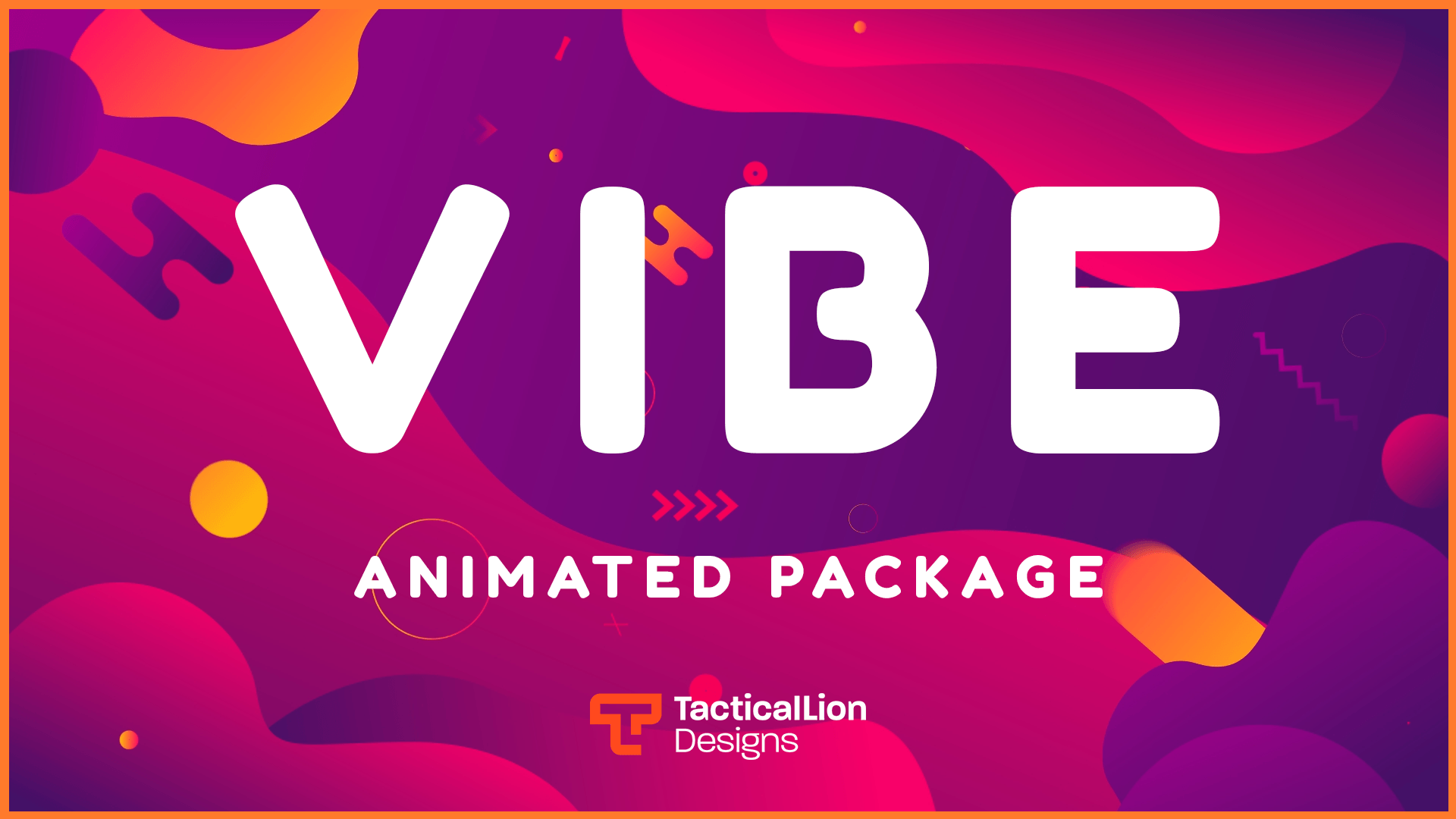
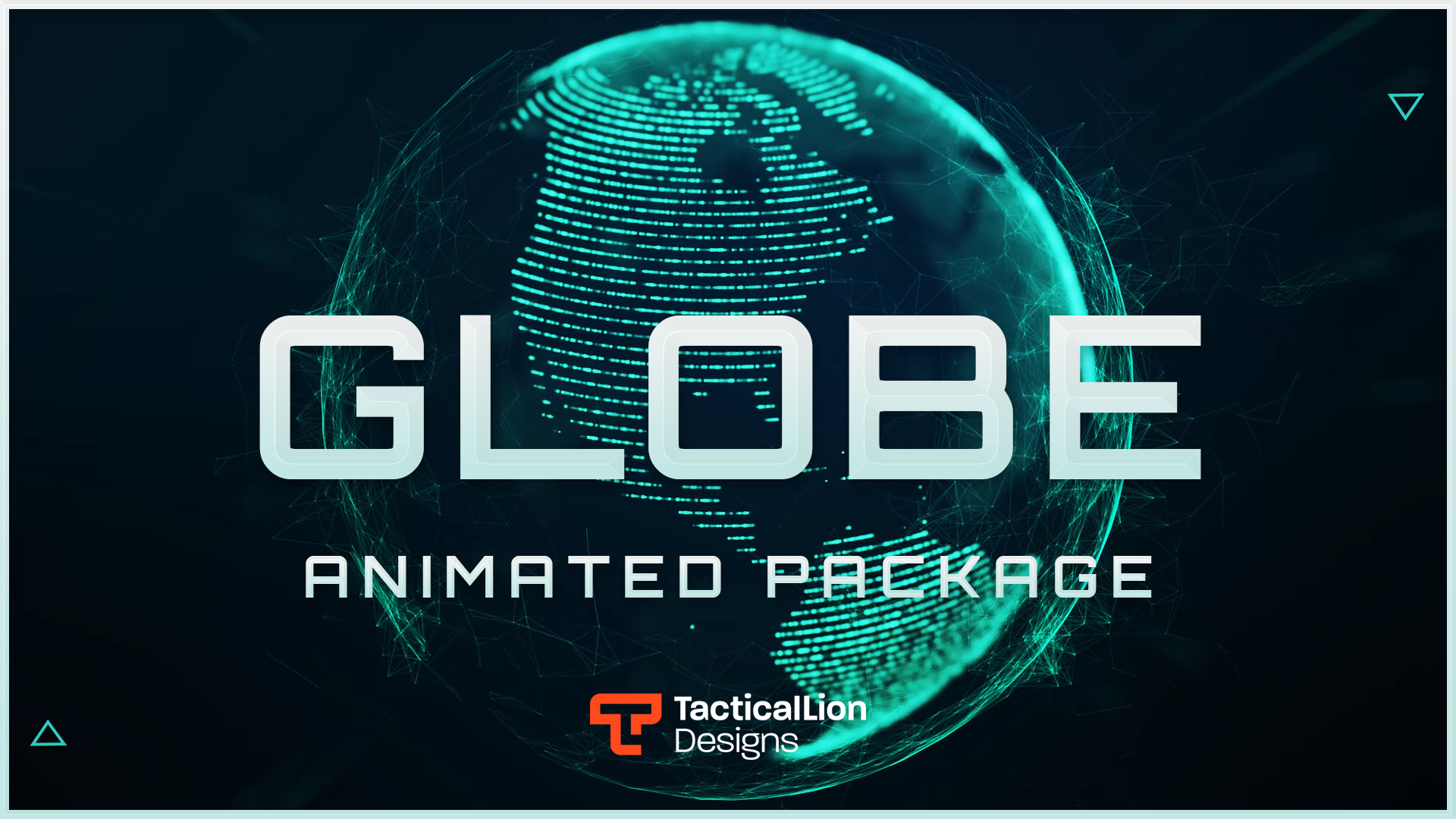
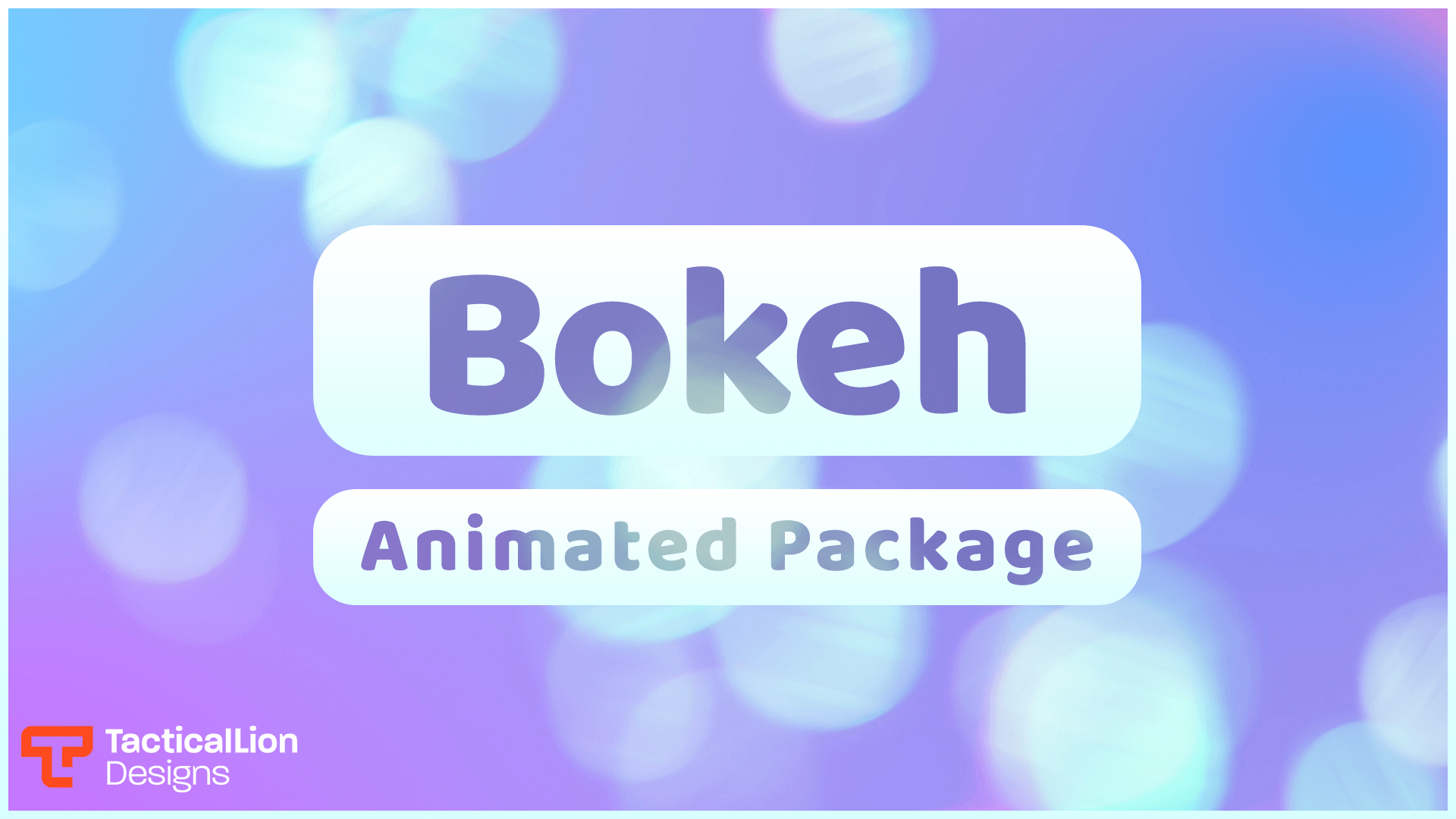
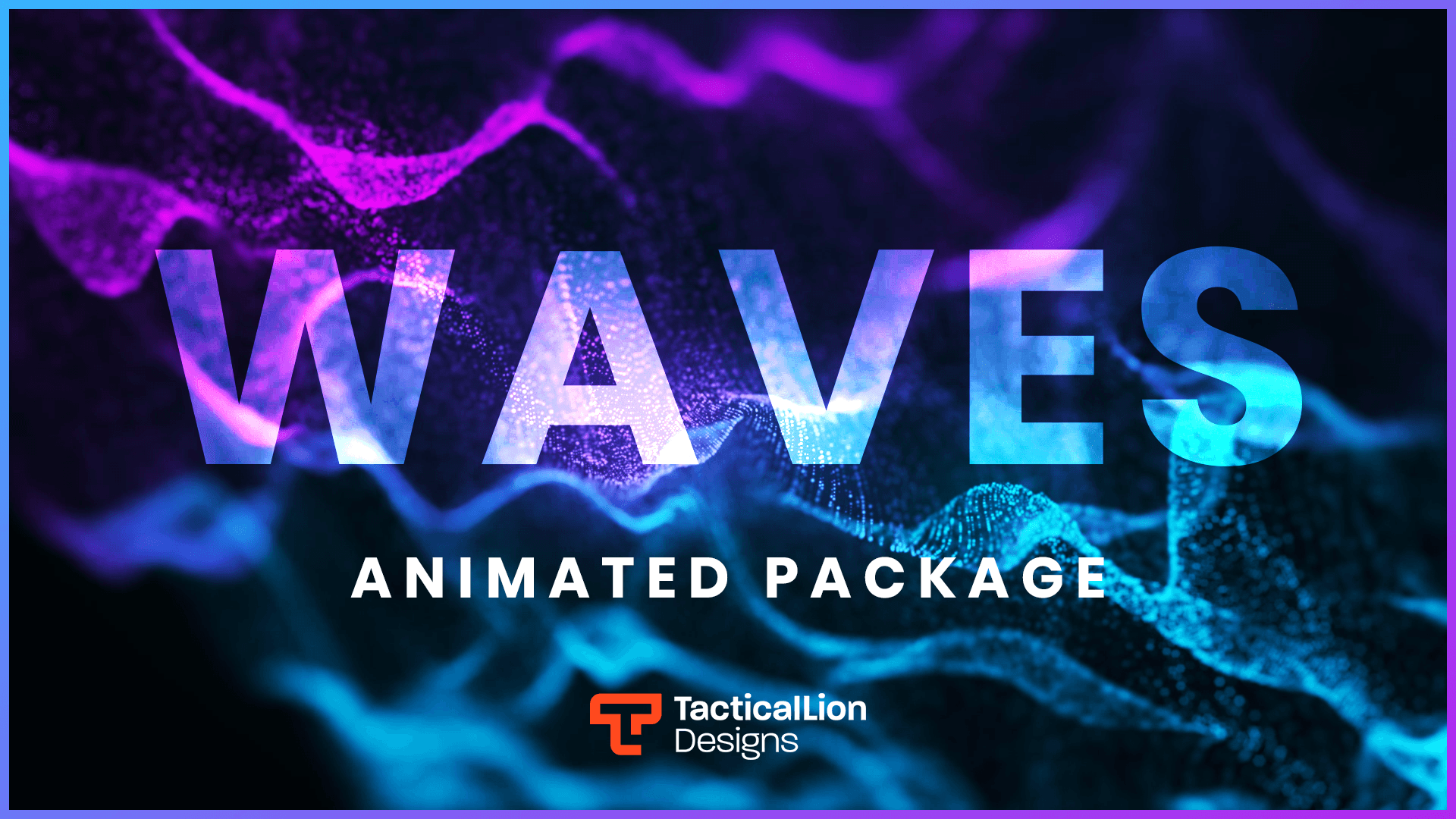
Download free animated overlays for your Twitch stream. Ready to import into OBS Studio, Streamlabs, StreamElements and Meld.
Every overlay below is free to download. Each one includes a setup guide so you can get live without troubleshooting.
The packs streamers download and come back to most. Tested on real streams.
Free overlays include the essentials to get your stream looking clean. Most free packs include a main scene and a webcam frame. Some add basic animated alerts and a chat box. Each product page lists exactly what's inside. For a complete setup with alerts, transitions, panels, and multiple scenes, see our premium packages.
Every free overlay works with OBS Studio, Streamlabs, and StreamElements. Alert widgets connect through your Streamlabs or StreamElements dashboard using a URL included with your download. The core files also work in Twitch Studio and on Kick.
Going live in a vertical format needs a slightly different layout. If you are streaming to TikTok, YouTube Shorts, Instagram, or mobile-first platforms, check out our vertical overlays for TikTok. They are built for portrait streams, so your webcam, alerts, chat, and branding fit properly without awkward cropping
Unzip the files to your computer.
Choose the software you stream with.
Use the included .json or .overlay file.
Starting, BRB, ending, and overlay scenes are added.
Make sure everything fits your 1920x1080 canvas.
Link Streamlabs or other software and start streaming.
Free overlays are a strong start. When you want a complete setup with matching alerts, animated transitions, multiple scenes, and panels, our premium packages cover it.
Want an overlay designed only for your stream? TacticalLion runs a full custom design service.
Every project is built from scratch around your brand, colors, and stream style. No templates.
Yes. Every overlay on this page is free to download. No payment is required and no account is needed to access them.
No account is required. Browse the overlays on this page, find one that fits your stream, and download it directly.
Free overlays from TacticalLion typically include a main game scene and a webcam frame. Some free packs also include basic stream alerts and a chat box. Check the individual product page to see exactly what each free overlay includes.
Download the files, open OBS Studio, and add them as a browser source or media source in your scene. Each free overlay includes a setup guide to walk you through it step by step.
Free overlays cover the core elements and are a strong starting point for new streamers. Premium packages include more scene layouts, more detailed animation, full matching alert sets, and greater customization. You can start free and upgrade when you are ready.
Browse premium overlays →
Yes. The overlay files work on any platform where you can use OBS Studio or Streamlabs. There is nothing Twitch-specific about the files themselves.
Basic text edits are possible on most free overlays. For deeper customization or a fully unique look built for your channel, take a look at our custom overlay design service.
custom overlay design service →
Some free overlays include animation, others are static. Check the preview on each overlay page to see whether it includes animated elements. Animated overlays are labeled on the product page.
Yes. Free overlays work with OBS Studio, Streamlabs, and StreamElements. Alert widgets connect through your Streamlabs or StreamElements dashboard using a URL provided with the download.
Yes. TacticalLion Designs has been releasing free stream resources for over 10 years and continues to add new free overlays to the collection. Bookmark this page to check back for new additions.