
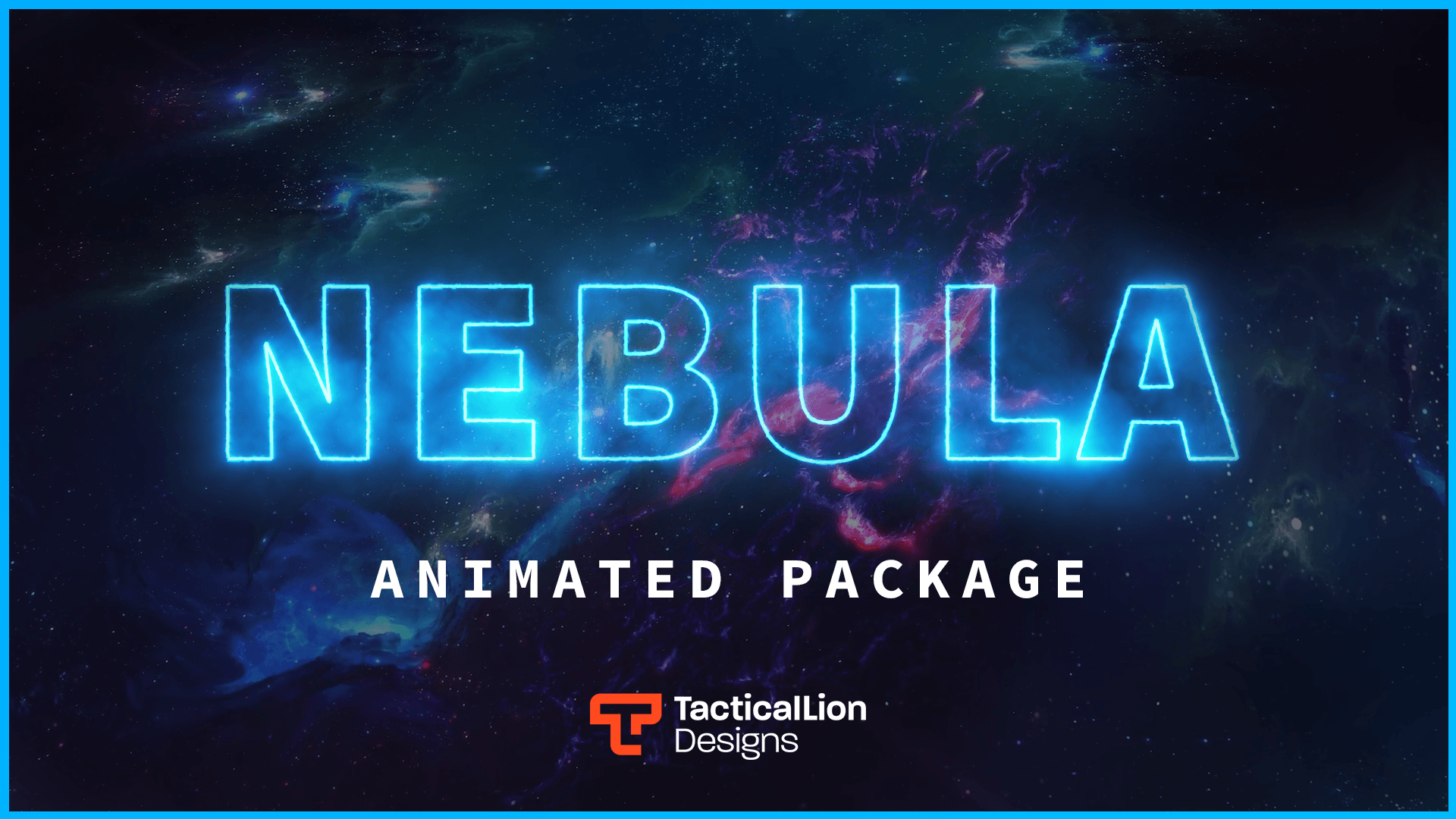
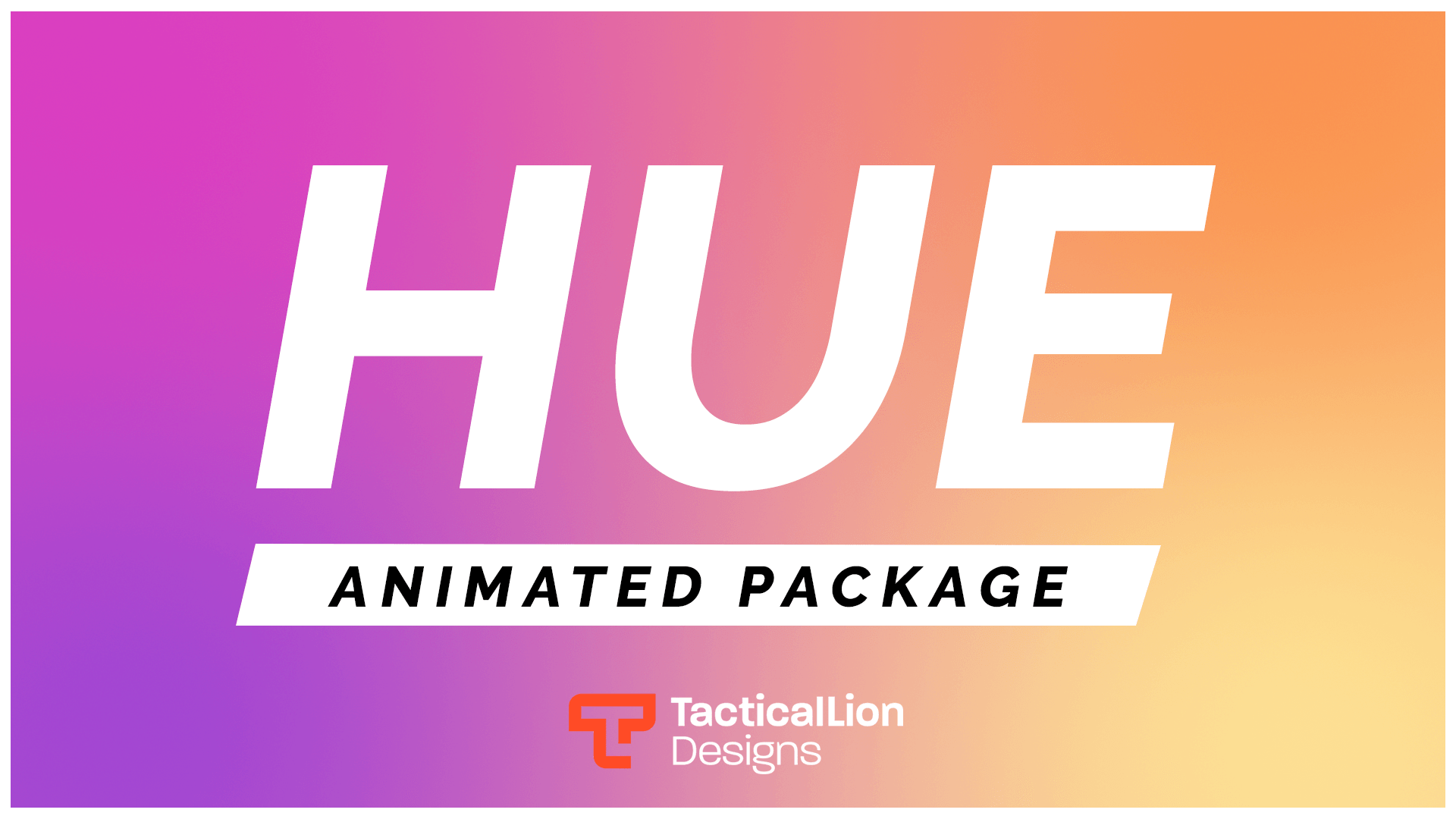
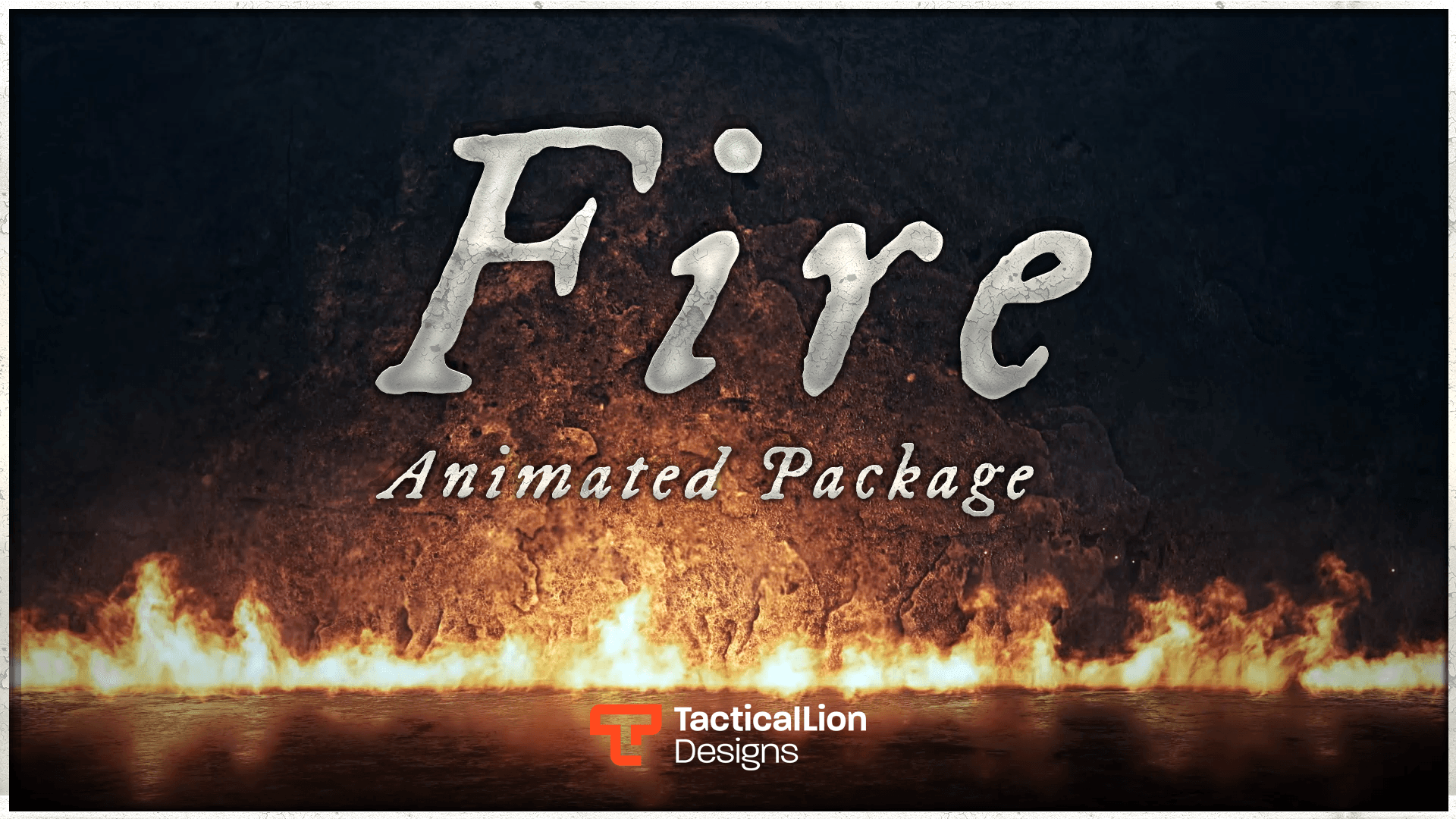
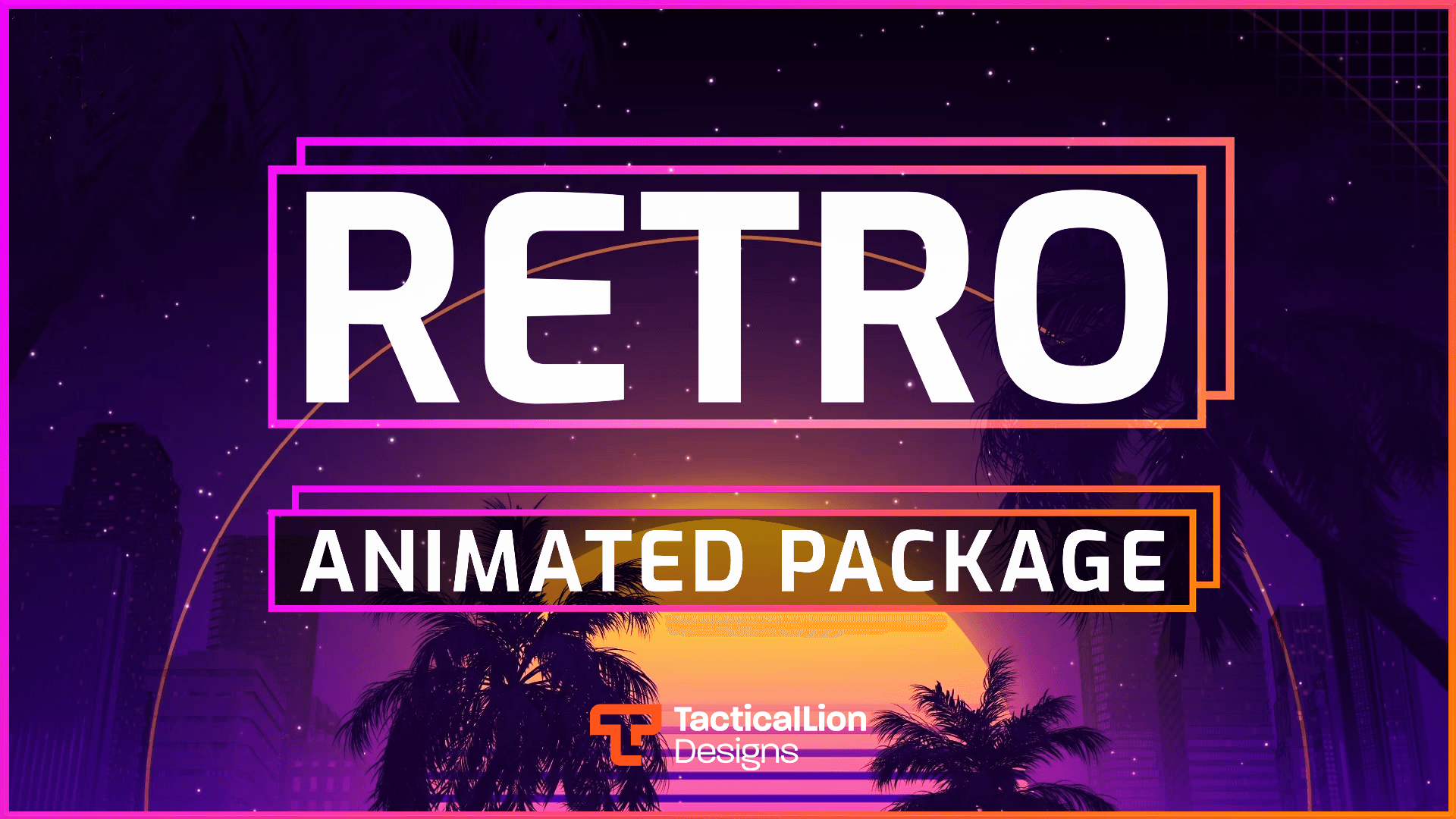
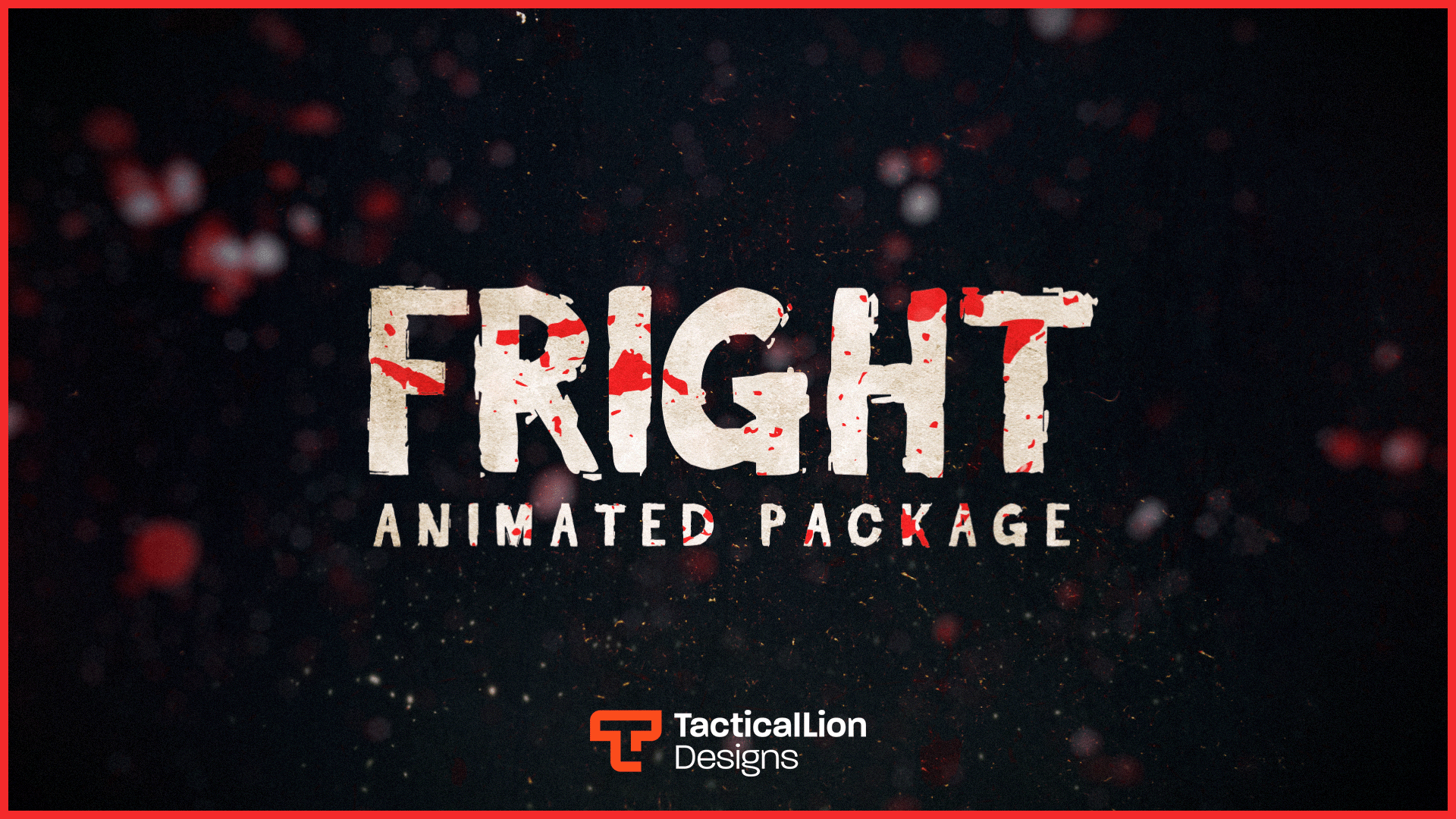


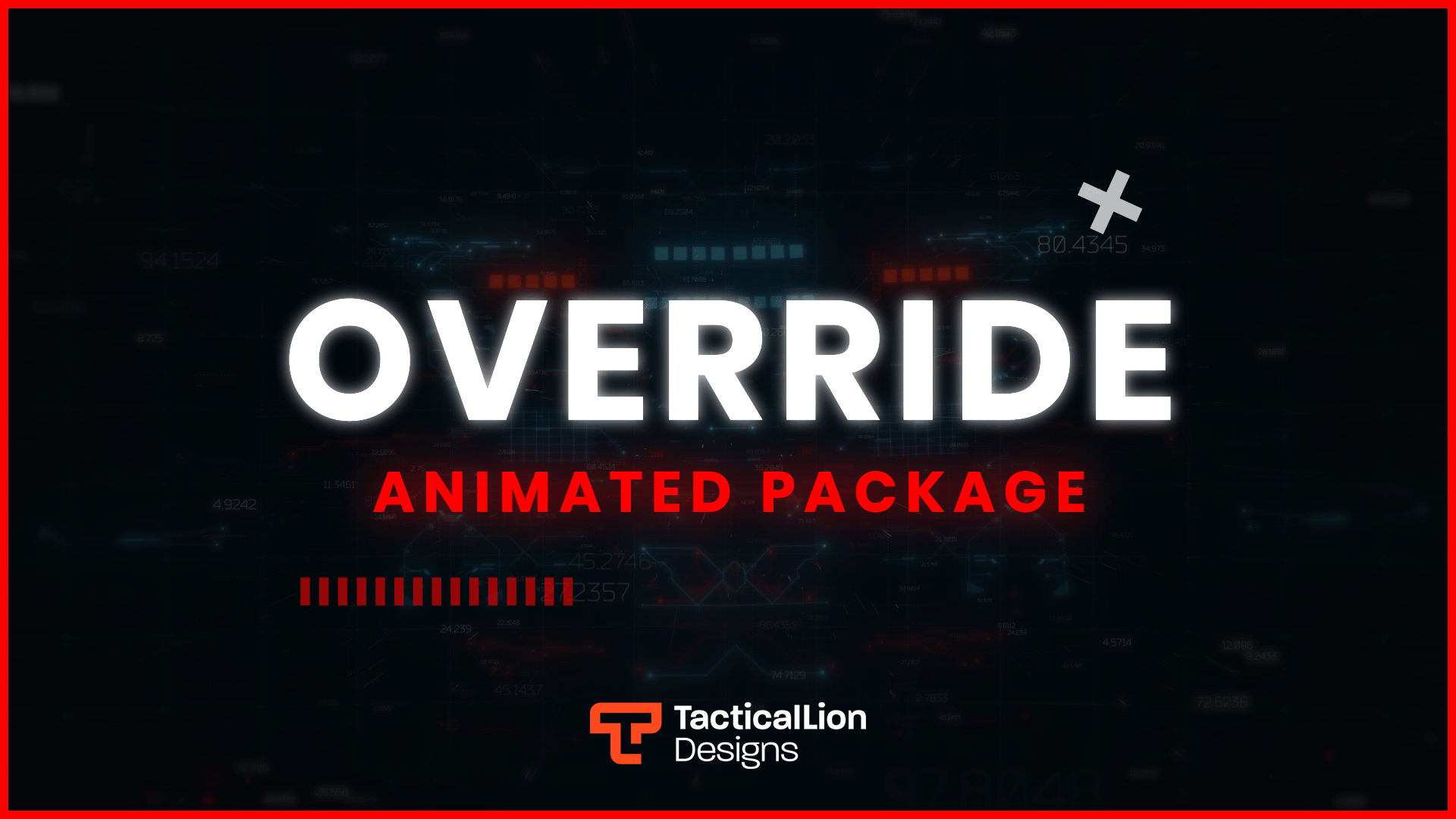
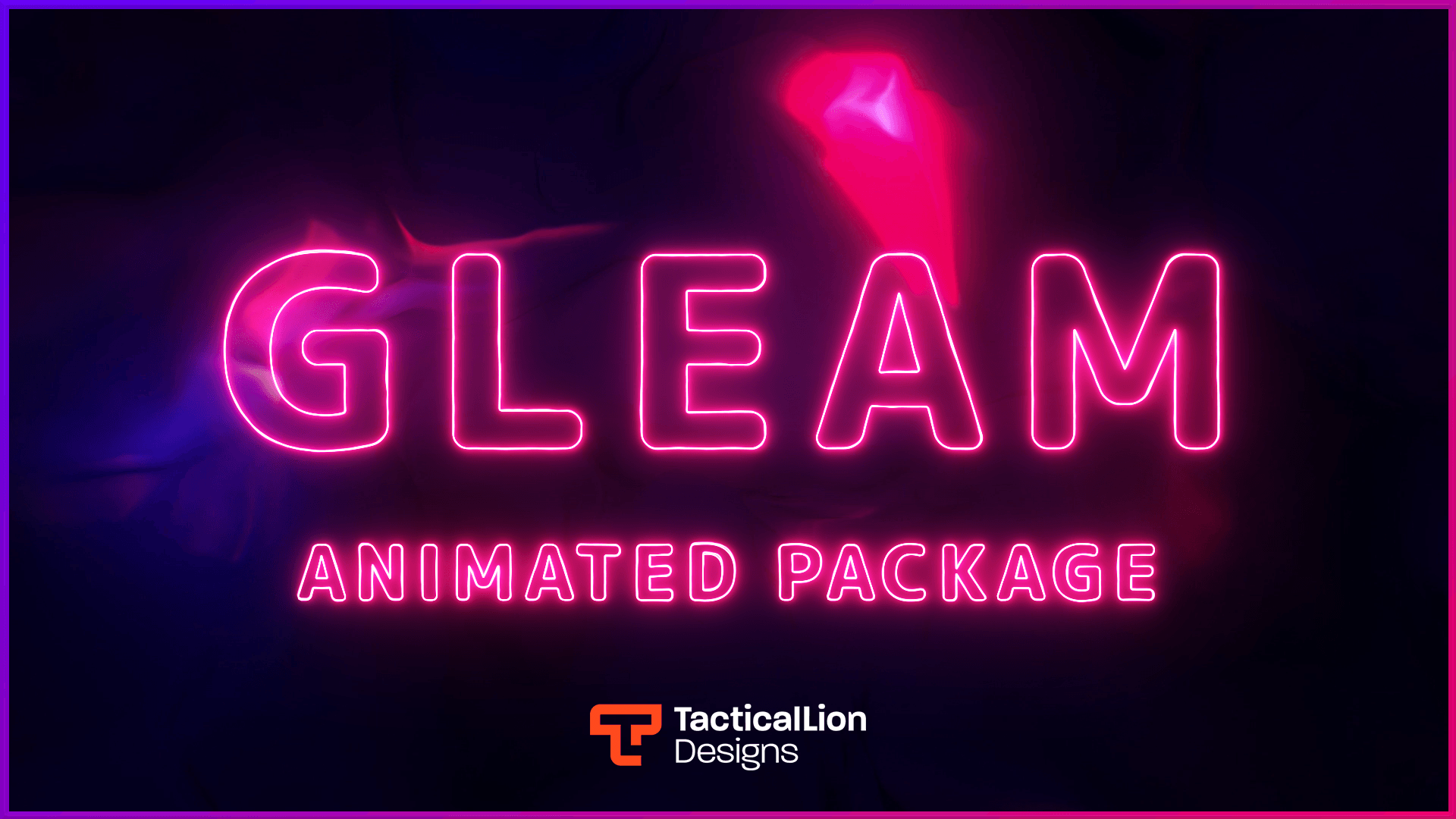
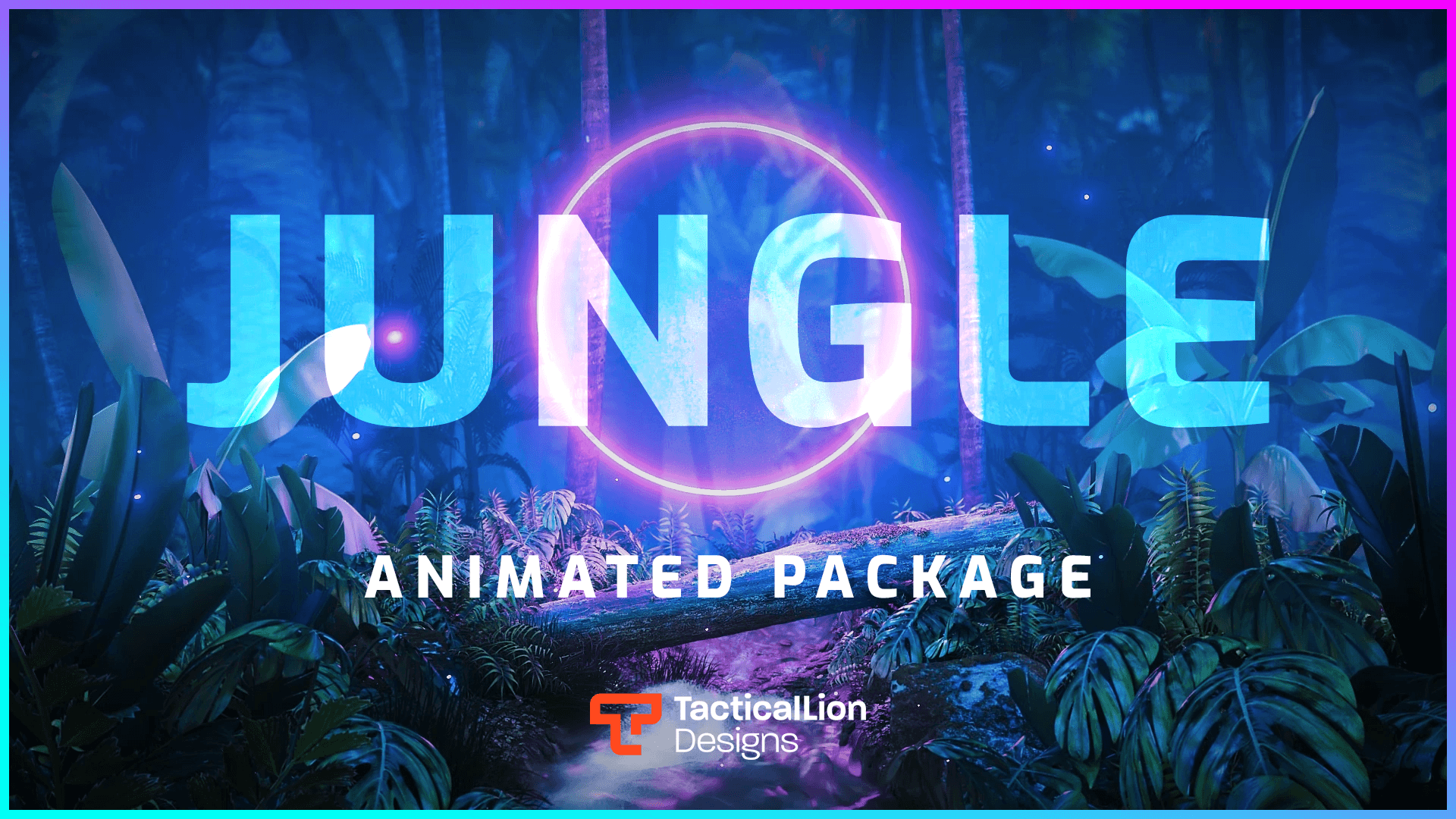




Stream overlays trusted by creators worldwide
Join thousands already streaming with our overlays
Animated overlay packages built for Twitch. Quick to set up in OBS Studio, Streamlabs, and StreamElements. Free and premium options.
Every pack below works with OBS, Streamlabs, and StreamElements and ships with a setup guide. Filter by style or game to find your look.
The packs streamers download and come back to most. Tested on real streams.
Fresh designs added to the collection. Start here if you want something current.
Twitch overlays are built at 1920x1080, standard 1080p. That matches the default canvas in OBS Studio and Streamlabs. Every TacticalLion overlay is made to this size, so it drops straight in without resizing.
A pack is more than the main scene. Most include a webcam frame, animated alerts (follower, subscriber, donation, raid), a chat box, scene transitions, and starting, break, and ending screens. Everything is designed as a matched set. Each product page lists the full contents of that pack.
Every overlay works with OBS Studio, Streamlabs, and StreamElements. Alerts connect through your Streamlabs or StreamElements dashboard using a URL in the package. The core files also work in Twitch Studio and on Kick. Setup guides are included with every pack.
Unzip the files to your computer.
Choose the software you stream with.
Use the included .json or .overlay file.
Starting, BRB, ending, and overlay scenes are added.
Make sure everything fits your 1920x1080 canvas.
Link Streamlabs or other software and start streaming.
Want an overlay designed only for your stream? TacticalLion runs a full custom design service.
Every project is built from scratch around your brand, colors, and stream style. No templates.
Not ready to pay? Browse our free Twitch overlays for a clean starting point at no cost
A Twitch overlay is a set of graphics placed over your stream in software like OBS or Streamlabs. It usually includes a webcam frame, stream alerts for followers and subscribers, a chat box, and animated scene transitions. The overlay sits above your video feed and gives your stream a consistent, finished look.
Twitch overlays are built at 1920×1080, standard 1080p. That matches the default canvas in OBS Studio and Streamlabs. Every TacticalLion overlay is made to this size.
Download the package, open OBS Studio, and add the files as a browser source or media source in your scene. Your package includes a written setup guide with step-by-step instructions. Most setups take 10 to 30 minutes.
Yes. Overlays are applied in your broadcasting software, not on Twitch itself, so they work on Kick, YouTube, and any platform that uses OBS or Streamlabs.
Yes. All overlays work with OBS Studio, Streamlabs, and StreamElements. Alerts and widgets connect through your Streamlabs or StreamElements dashboard using a widget URL provided in your package.
Most packages include the main game overlay scene, a webcam frame, animated alerts (follower, subscriber, donation, raid), a chat box, scene transitions, and starting, break, and ending screens. Some also include Twitch panels and extra scene layouts. Check the product page for the full contents of each pack.
Many overlays include color customization through the Streamlabs or StreamElements editor. Some packages also include editable source files for deeper changes. Each product page lists the customization options for that overlay.
Most overlays take 10 to 30 minutes from download to going live. Every package includes a written setup guide and links to tutorial videos where needed.
Free overlays are a solid starting point and include the core elements to get your stream looking clean. Premium packages include more scene layouts, more detailed animation, full matching alert sets, and greater customization. If you are just starting out, our free Twitch overlays are a good place to begin.
Learn About Free Twitch Overlays →
Yes. TacticalLion offers a custom overlay design service for streamers who want a package built for their channel. Custom projects are designed from scratch based on your brand, colors, and stream style.
Custom overlay design service →
No. Overlays are applied through your broadcasting software, not through Twitch itself. You can use any overlay on your stream regardless of your affiliate or partner status.